Clean The Ballpit Codes
Promo code status, redemption tips, and a ready list for future drops.
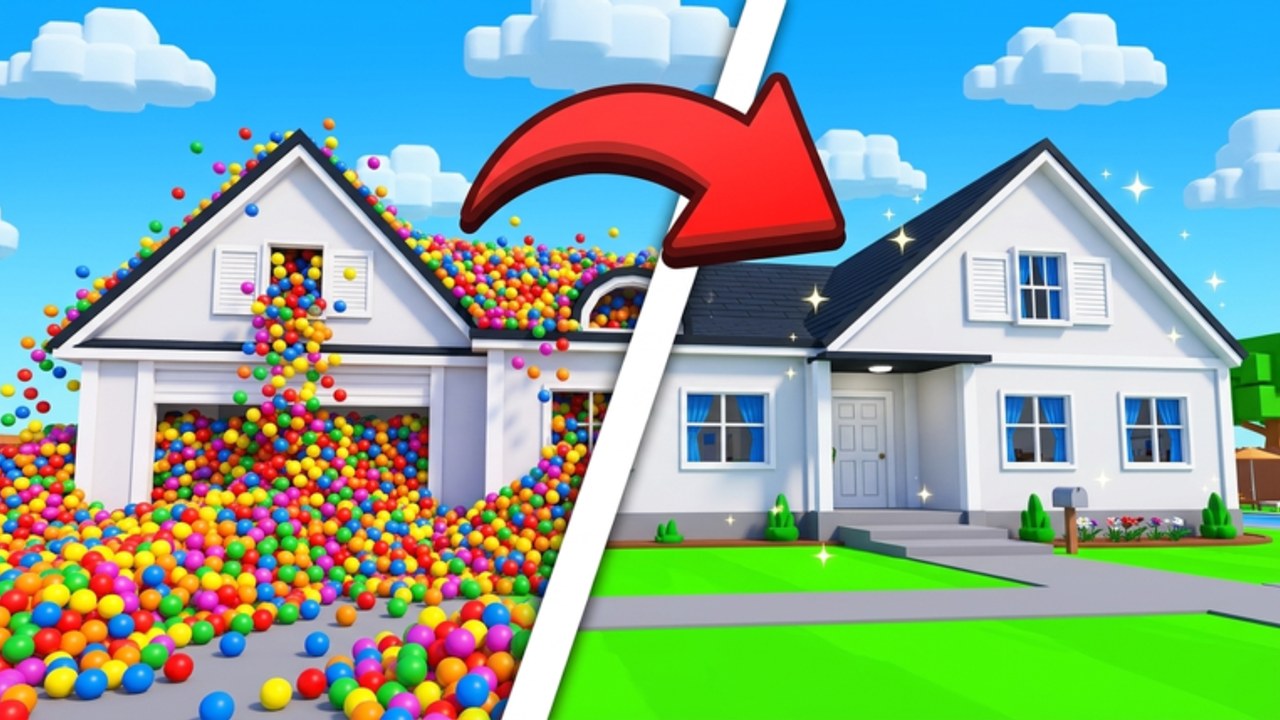
Welcome to the Codes Hub for Clean The Ballpit. This page tracks every working promo code we can verify, explains how redemption usually works in Roblox cleaning simulators, and shows where new codes tend to appear after milestones or map drops. As of our latest research pass, there are no active, working promo codes for Clean The Ballpit yet. That is normal for a fresh release—many TrixFarm-style incremental games hold codes until likes, visits, or major updates hit a target.
We keep this hub honest instead of inventing placeholders. When a real code ships, it will land in the active list below with reward notes and an expiry hint. Until then, use the rest of the wiki to progress faster without waiting on freebies: start with Getting Started, skim the Guides hub for controls and map routes, and watch Updates whenever a new location goes live.
Current code status
| Status | Detail |
|---|---|
| Active codes | None verified |
| Expired / retired | None published yet |
| Last research check | November 17, 2026 |
| Game | Clean The Ballpit by TrixFarm |
If someone posts a code in chat or on social media, treat it as unverified until it redeems cleanly in a live server. Fake codes waste time and sometimes push phishing links. Prefer official channels: the Roblox game page, the TrixFarm group, in-game mailbox notes, and patch announcements summarized on our Updates hub.
How code redemption usually works
Most Roblox cleaner and simulator experiences put a Codes button on the main HUD, shop panel, or settings menu. In Clean The Ballpit you should:
- Join a live server (solo or co-op up to six players).
- Look for a Codes, Gift, or Redeem control near the shop, pets, or tools UI.
- Enter the code exactly—Roblox codes are often case-sensitive and intolerant of spaces.
- Confirm the reward toast, then check inventory, currency, or pet slots.
- Soft-rejoin if the UI does not refresh; auto-save usually keeps progress, but UI caches can lag.
If you cannot find a Codes button yet, that matches the current “no codes live” status. The button may appear in a later UI pass when the first promo wave launches. Until then, unlock better sweep tools and pets through normal play—see Tools and Pets once that guide is published, and keep grinding map clears for speedrun board placement.
Where Clean The Ballpit codes usually appear
When this genre drops codes, they almost always come from the same places:
- Like / visit milestones on the Roblox game page (for example 10K favorites or visit thresholds).
- Map update posts when a new location such as The House, BloxMart, The Fun Fair, The Beach Boardwalk, Bloxton Museum, or The Starlight Cruise ships.
- Group shouts or group store notes from TrixFarm.
- In-game mailbox feedback or announcement messages after a patch.
- Creator livestreams or community events tied to concurrent peaks.
Bookmark this Codes Hub and the Updates timeline so you can redeem quickly when the first wave lands. Codes in incremental games often expire after a short window or after a fixed claim count.
Active codes list (ready for future drops)
Use this table as the living list. Empty rows mean we have nothing verified yet—not that the page is unfinished.
| Code | Reward | Status | Notes |
|---|---|---|---|
| — | — | No active codes | Check back after the next map or likes milestone |
When a code is confirmed we will fill Code, Reward (coins, boosts, pets, tools), Status (Active / Ending soon / Expired), and Notes (case sensitivity, one-time claim, platform quirks).
Expired and retired codes
Expired entries stay here for search clarity so players do not chase dead strings from old screenshots.
| Code | Former reward | Retired |
|---|---|---|
| — | — | None yet |
Progress without codes
Codes are a bonus, not a requirement. Clean The Ballpit is built around picking up colorful plastic balls, unlocking stronger tools and pets, sweeping and organizing messy rooms, clearing maps, and chasing speedrun leaderboards with auto-save protection. A focused first hour beats waiting on a promo that has not shipped. Follow Getting Started for the loop, then branch into map-specific routes from the Guides hub—including House, BloxMart, and Fun Fair. Co-op with up to six players multiplies clear speed—see the Players hub and Co-op Roles for party etiquette. Track ship dates on Launch Notes.
How we maintain this page
We re-check after major map drops and whenever community reports spike. Valid codes move into the active table; broken or expired strings move down. We never invent codes to fill space. If you redeem something that works and is missing here, send details through normal community channels and we will verify before publishing.
Related reading: Guides, Updates, Getting Started, and the Official Links hub for the live Roblox game page.
Frequently Asked Questions
Quick answers for Clean The Ballpit players.
Are there any working Clean The Ballpit codes right now?
No. As of our latest research there are no verified active promo codes. This hub stays empty on purpose until a real code redeems in-game.
Where do I redeem codes in Clean The Ballpit?
Look for a Codes, Gift, or Redeem button on the HUD, shop, or settings panel after you join a server. Enter the string exactly, then confirm the reward toast.
Where will new codes be announced?
Expect them around likes or visit milestones, map updates, TrixFarm group posts, mailbox notices, and major patch notes tracked on our Updates hub.
What should I do while waiting for codes?
Follow Getting Started, unlock better tools and pets, clear maps in co-op, and watch Updates for the next drop. Codes are optional boosts, not required progression.